Your team's files, scheduled jobs and live calls now work with your agents, wherever you are.
We go live every Friday on X and YouTube to show what we shipped that week. Here's what's new from the Oct 23 stream, with the replay above.
This week at a glance
- HQ Library: your team's photos and videos live in the cloud, searchable by you and your agents.
- Company Outpost: one cloud computer for your company's scheduled jobs.
- The fixes push: we closed 500+ feedback tickets in a week.
- Live Meetings: the live transcript of your call streams into your session.
- HQ Mobile beta: your agents and conversations on your iPhone.
- hq.work: every HQ deploy now lands on hq.work.
HQ Library
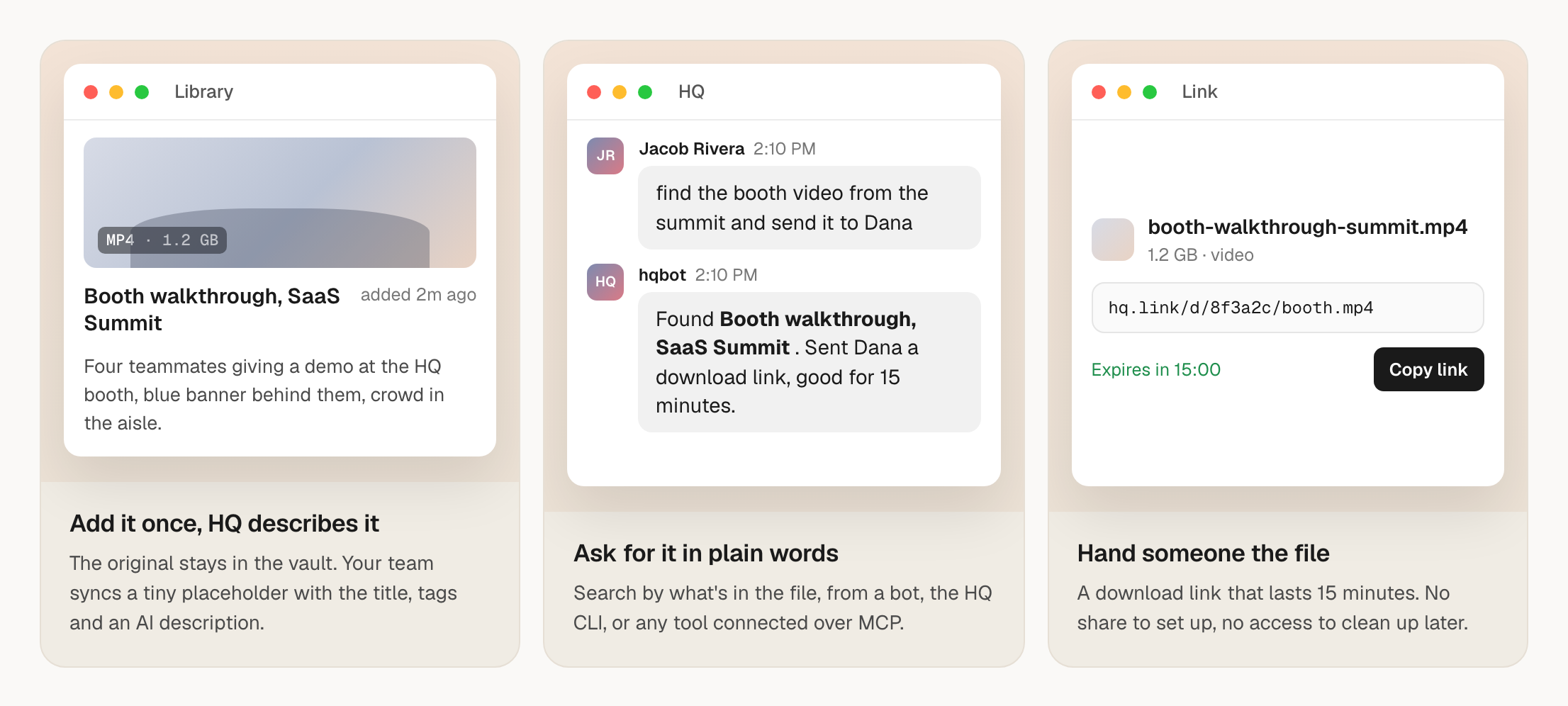
HQ Library keeps your team's photos, videos and brand files in the cloud, so you can find that product shot from last spring without digging through anyone's laptop. It doesn't sync to every computer like the rest of HQ.
We built it because teams were putting big media files into HQ in place of Dropbox or Google Drive, and syncing those to every laptop filled machines with duplicates. So we added tagging, comments, search and temporary links on top of the cloud storage we already had.
Your agents can work with it directly. They can search the library by tag, fetch a file, or hand you a 15-minute link to pass along.
- Ask your agent to add, tag or find a file, and it handles the rest.
- Moving from Google Drive? Reach out and we'll plan the migration with you.
Learn more: HQ Cloud.
Watch: 00:53 in the replay
Company Outpost
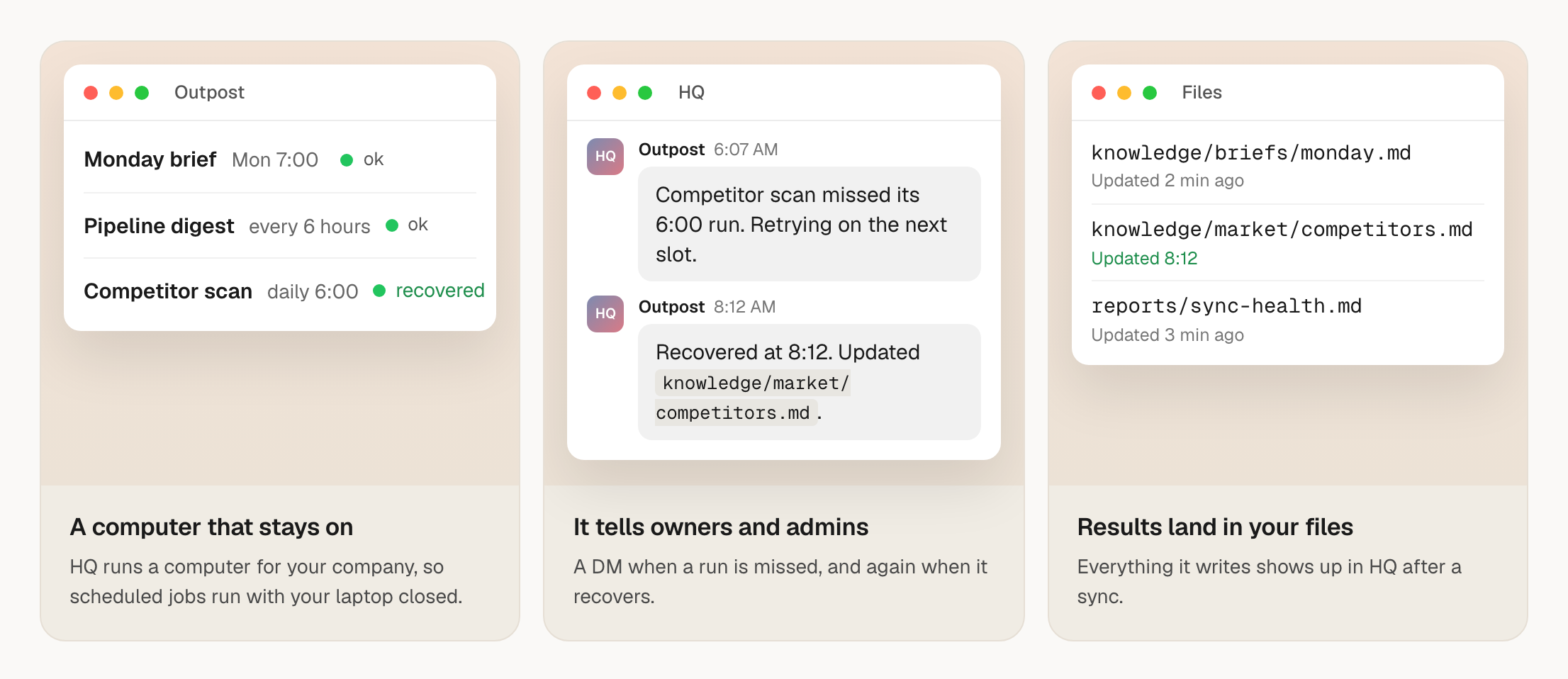
An Outpost is a cloud computer where HQ runs Claude or Codex for you. Until now each person had their own. Now a company can have one for the jobs that need to run on a schedule.
Think of the weekly pipeline digest or Monday brief that only goes out when someone remembers to open their laptop. Those jobs keep running when every laptop is closed, and owners and admins get an HQ message if a job misses a run.
- An owner or admin sets it up once and connects one Claude account, in about 7 minutes.
- Jobs can repeat on an interval, follow a schedule, or run once at a set time.
Learn more: the Company Outpost guide.
Watch: 04:03 in the replay
The fixes push
HQ has feedback built in, so when Claude or Codex hits a bug, it reports it to us. This week we cleared the backlog.
500+
Feedback tickets we closed this week, each one sent in from inside HQ.Source: HQ team, Oct 23, 2026
- A person reviews every fix, so changes stay consistent with the rest of the product.
- HQ is faster and uses less CPU.
Watch: 06:04 in the replay
Live Meetings
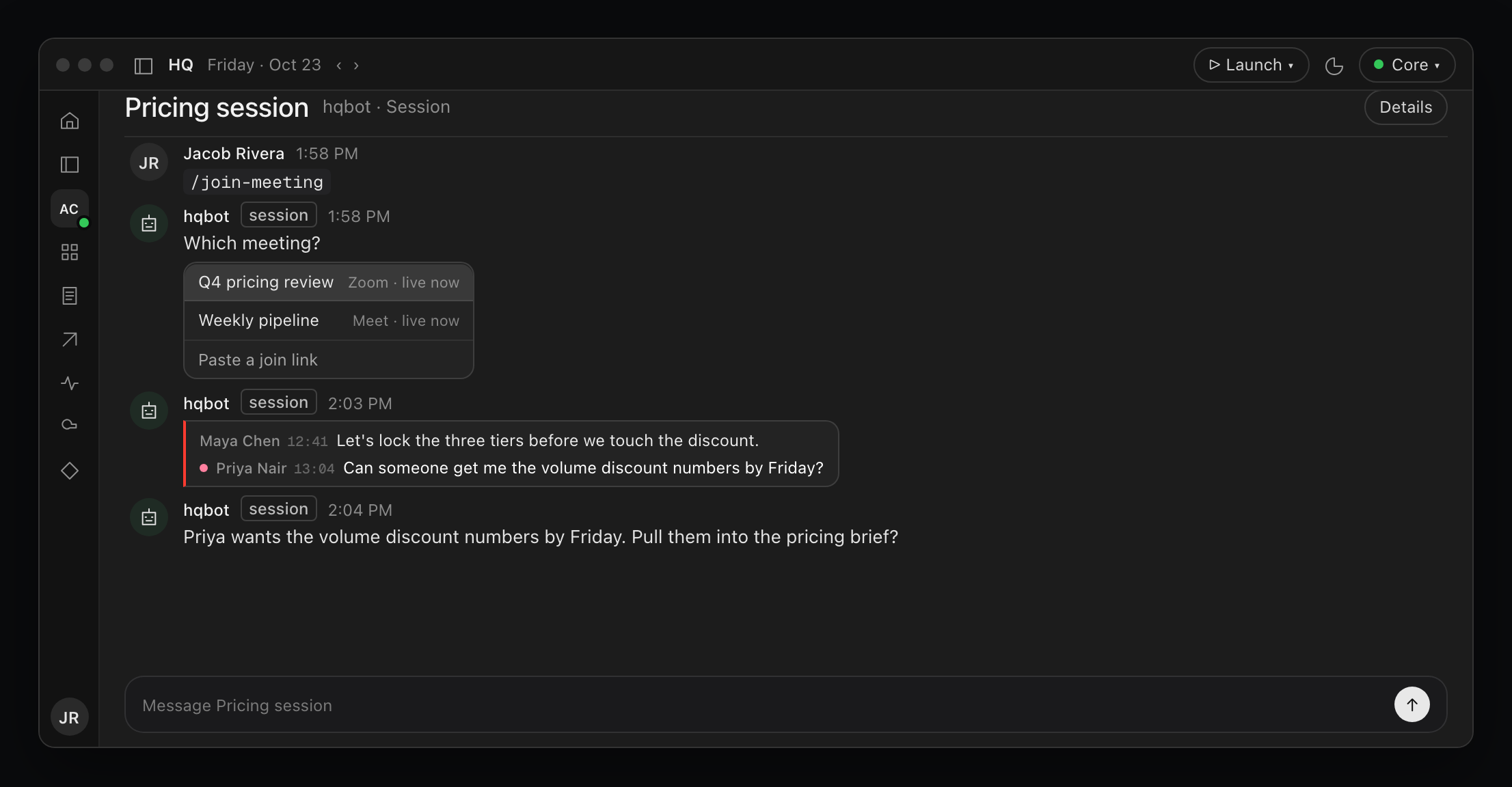
Your AI can now listen in on a live call. Pick a meeting that's happening or paste a join link, and HQ streams the transcript into your session as people talk.
Your session can act on what's said while the meeting's still going. Say a teammate mentions a change to the sales deck: your session catches it, offers to draft it, and starts once you approve, while you're still talking.
"Now you have AI which feels like an active team member and participant in your meetings." Jacob Posel
Learn more: meetings in HQ.
Watch: 08:10 in the replay
HQ Mobile beta
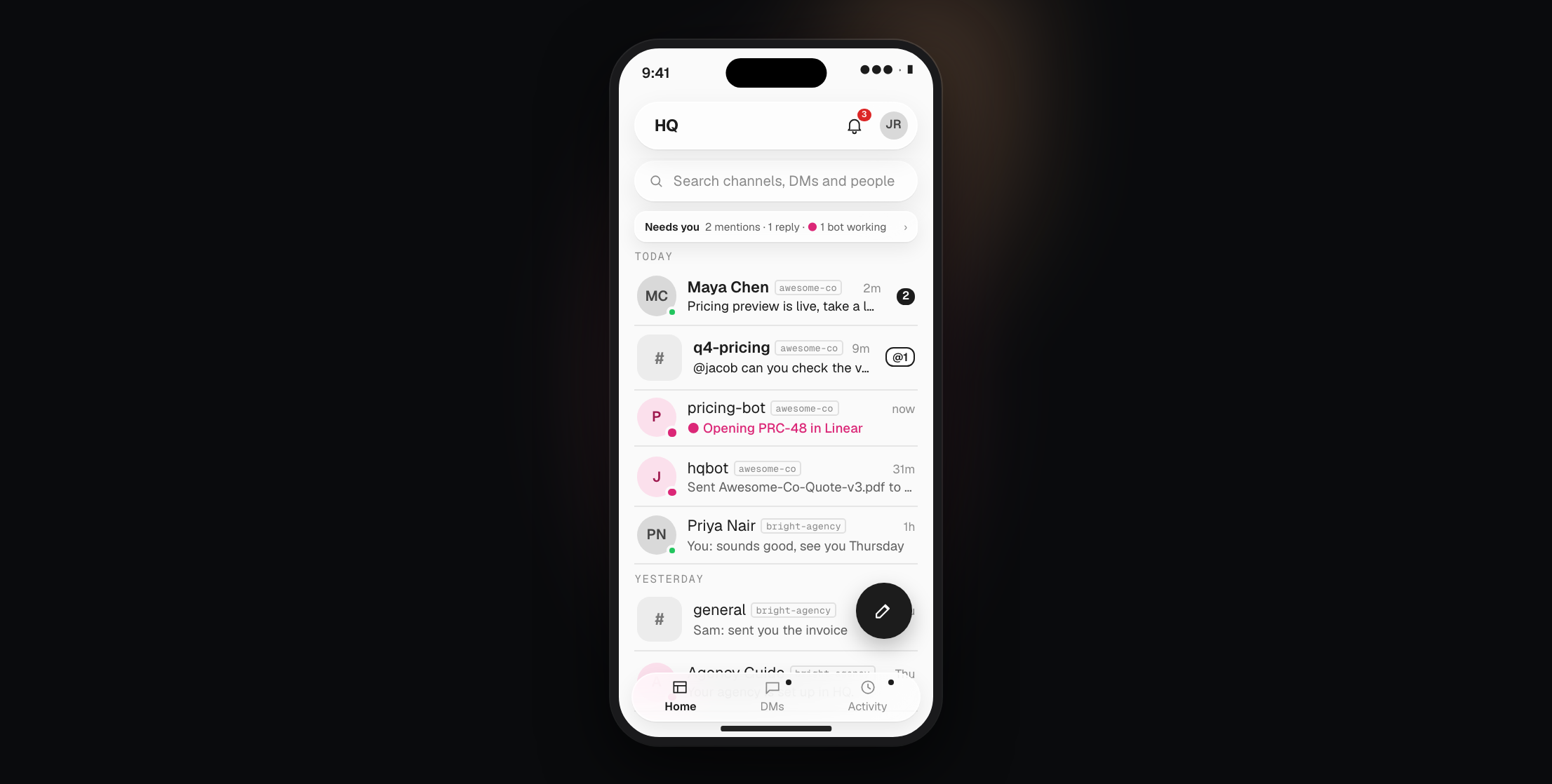
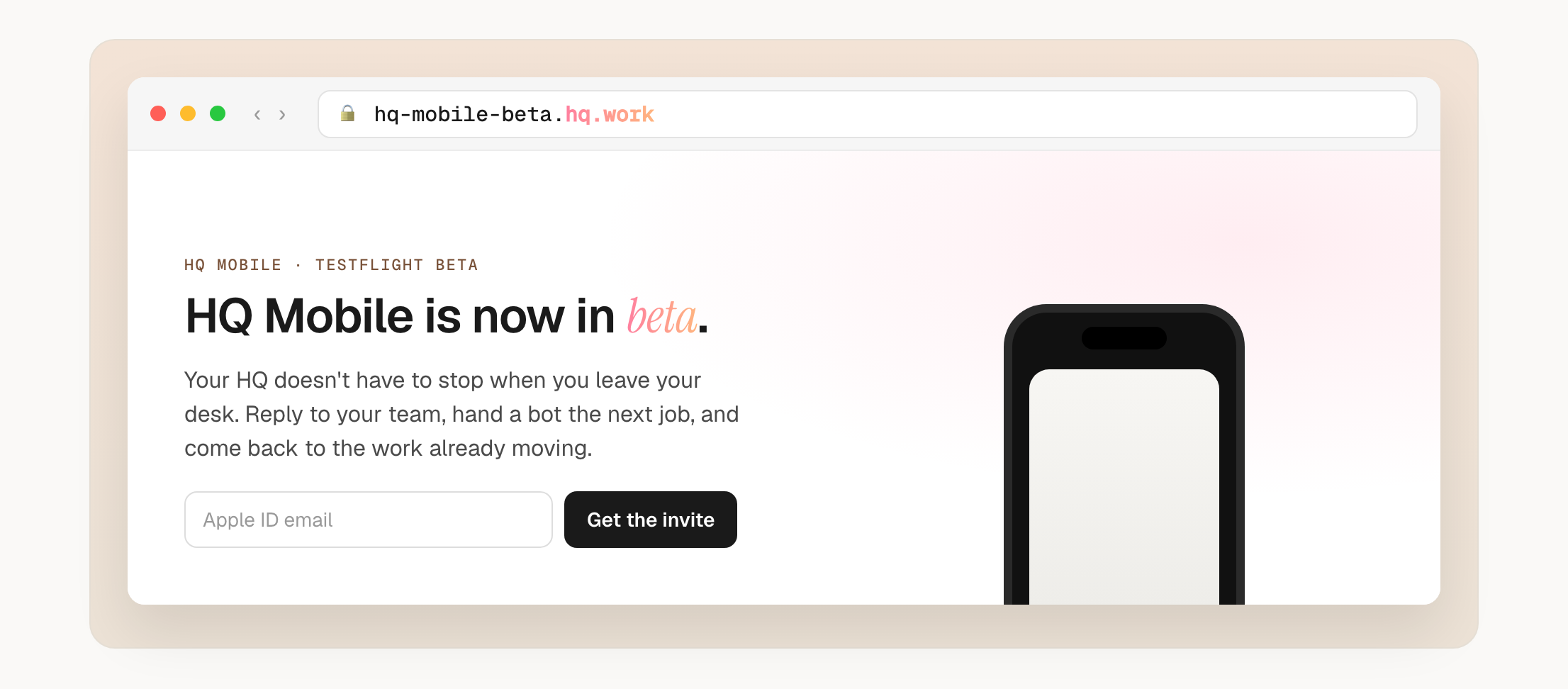
Your agents and teammates, on your phone. The beta puts one conversation list across every company you're in on your iPhone, with teammates and HQ bots in the same threads.
It's an early build, so expect rough edges and frequent updates. We send invites by hand in batches, so it can take a few days.
- Sign up for the beta with your Apple ID email, or ask our team in Slack.
Watch: 09:33 in the replay
hq.work
Decks, reports and landing pages you deploy now come back on a short, clean hq.work link. We bought the domain, and every HQ deploy defaults to it.
- Ask HQ to deploy something, and the link it returns is on hq.work.
Learn more: deploying with HQ.
Watch: 10:36 in the replay
What's next
Custom domains are coming soon, so you'll be able to deploy to your own domain or a subdomain of it.
We're back next Friday at 11am PT. If you'd like help setting any of this up or access to a beta, reach out to the team in Slack or at hqforwork.com.
Show notes (5)
Want a walkthrough of what we shipped?
Book a setup call and we'll show you how it fits your team's work.
Book a setup call